 PhotoChopper


Bad photos
Motion blur, missed focus, and shots that are far too dark or blown out. Each photo gets a sharpness and exposure check.
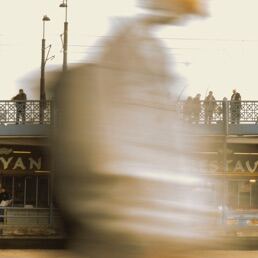
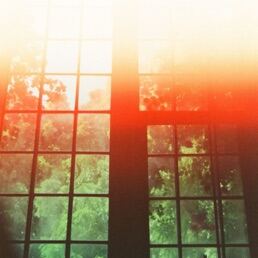
photo cleaner for iphone
Swipe through your camera roll a few photos at a time and keep only the ones you want. PhotoChopper finds the blurry shots, look-alikes and old screenshots for you, right on your iPhone.

Analysis runs on your iPhone. Your photos never leave your phone.


swipe
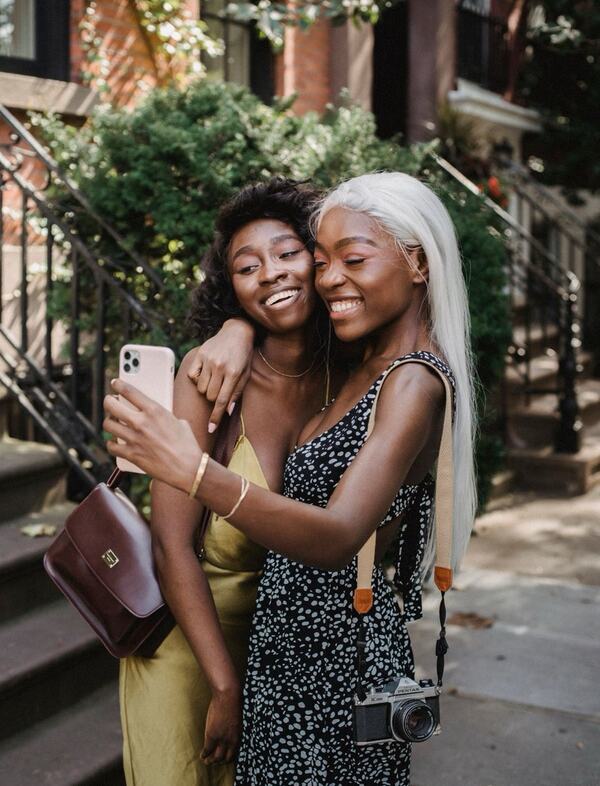
One photo at a time, in short batches. No endless grid, no decision fatigue.
smart picks
Blurry shots, old screenshots and five takes of the same thing, flagged before you even look.
Motion blur, missed focus, and shots that are far too dark or blown out. Each photo gets a sharpness and exposure check.
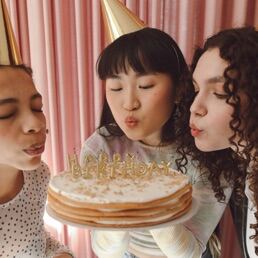
Look-alike shots are grouped together. PhotoChopper suggests the best one (sharpest faces first), so you keep one and chop the rest. Bursts too.
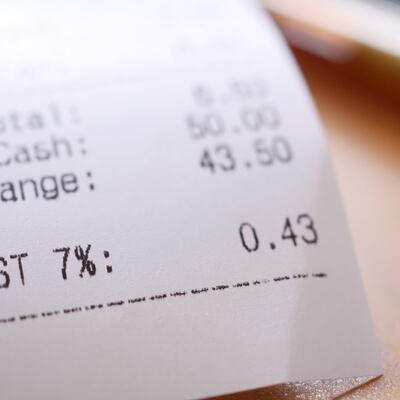
Old screenshots, receipts and photos of paperwork pile up fast. They get their own decks so you can clear them in minutes.
Videos take the most space. Review them on their own deck and see how much space they take up.
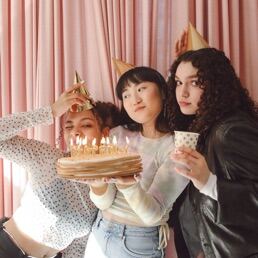
Dogs, cats, meals, parties, documents and many more: photos are sorted into categories on your phone, so you can clean one topic at a time.
Old favourites resurface while you tidy. Heart them, or share them with the people who were there.
100% on device
PhotoChopper uses local AI that runs right on your iPhone. Your photos are never uploaded, and no server of ours ever sees them.
Set one daily reminder at a time that suits you, build a streak, and your whole library gets sorted bit by bit.
Every chop gives room back to your phone. Watch the freed storage add up as you go.

PhotoChopper for iPhone.